![Best WYSIWYG HTML & Web Editors in 2023 [Free & Paid]](/_next/image?url=https%3A%2F%2Fadmin.appzoro.com%2Fuploads%2FBest_WYSIWYG_HTML_and_Web_Editors_d78c7dc284.jpg&w=3840&q=75)
Sometimes the layout of other websites seems more suitable for others and proves disastrous for you. Website color, themes, and many others are perfect for others, but similar things need to look more appropriate on your website. Well, it means not all things look perfect everywhere. Thus, if this leaves you wondering, “are the alterations I am making to my website adding value to it” you require the best WYSIWYG HTML editor to get your solution.
However, WYSIWYG stands for What You See Is What You Get. A WYSIWYG editor enables you to edit in a way that demonstrates how the changes or content you add will look on the end product, like a web page. WYSIWYG web editor is a more convenient option than a traditional preview system to see how web pages appear when we make alterations. The conventional method of previewing pages, like making changes, closing the page, and seeing the preview, is a time-consuming and tedious task.
The WYSIWYG HTML editors are the popular choice of developers due to their easy-to-use and time-saving features. You can select from the list if you want to use the best WYSIWYG HTML editor. This blog mentioned some of the paid and best free WYSIWYG HTML editors.
What is WYSIWYG?
WYSIWYG is a content editing tool that allows developers to edit content in text or graphics format. Hence, rather than writing source code manually, you provide a convenient rich text editor in which you can manipulate design elements. WYSIWYG editor enables you to see precisely how it appears. However, the WYSIWYG HTML editor is an excellent tool that gives your client accessibility for editing and updating their website without distributing coders.
Best WYSIWYG HTML Editor List
Having the best WYSIWYG HTML editor eases the development work and lets you see the impact in real time. Therefore, you can choose any HTML WYSIWYG editor for the web to make your life easier as a developer.
1. CoffeeCup HTML Editor
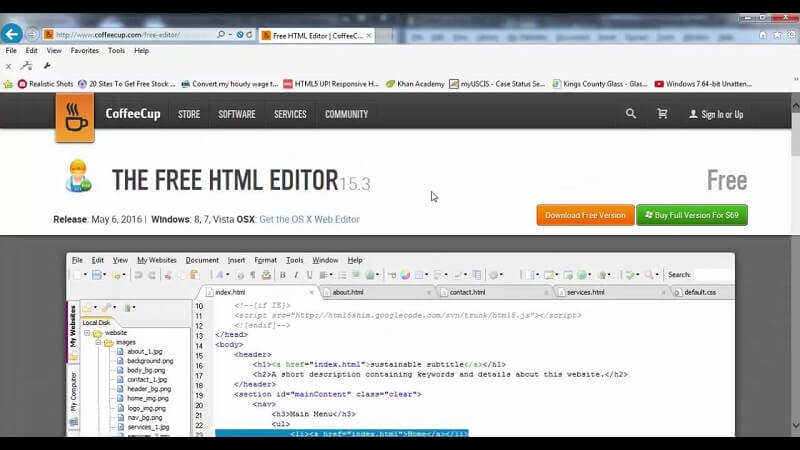
CoffeeCup HTML editor is a feature-rich editor used to design websites quickly. With this tool, you will get intuitive tools like code completion that automates suggestions tags when you type. Also, it includes the component library, which allows you to save elements that reuse, like the header and footer. This way, you only need to edit the aspects and, after, its updates them instantly across all pages on your site. You will also get access to free and complete responsive templates that you can import into the editor within two clicks.
This best WYSIWYG HTML editor tool will offer you live preview options. You can choose and split the screen preview and see the web page below the code. Otherwise, you can use an external preview to display the page in another window or monitor. Both or one of the options can show precisely what the design looks like that you work on.
2. TinyMCE
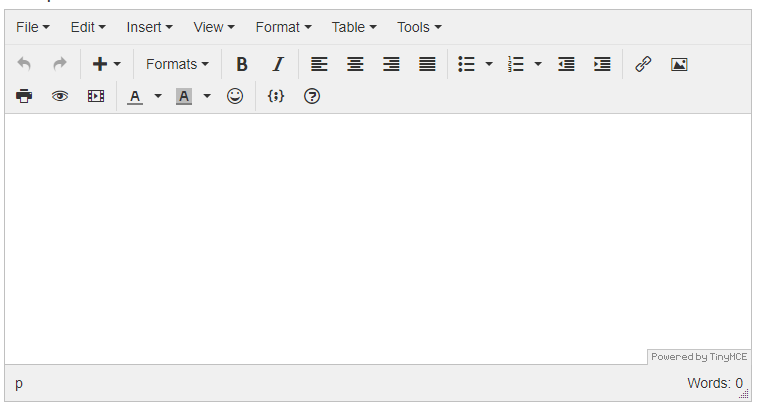
TinyMCE is a rich text editor powered by various companies like Atlassian, Medium, and Evernote. However, as per TinyMCE creators, this open-source HTML editor tool assists other developers in creating unique online content solutions. It is simple to include. This tool is also deployed in the cloud, hybrid, and self-hosted environments. The configurations allow the incorporation of frameworks like Angular, Vue, and React. This tool is expanded with over 50 plugins, each offering 100 configuration options.
TinyMCE is a free WYSIWYG HTML editor tool that enables you to provide complete control over your design by creating and updating tables and defining font families—searching and changing fonts and changing the font size. In addition to that, it provides many cloud security measures.
3. Froala
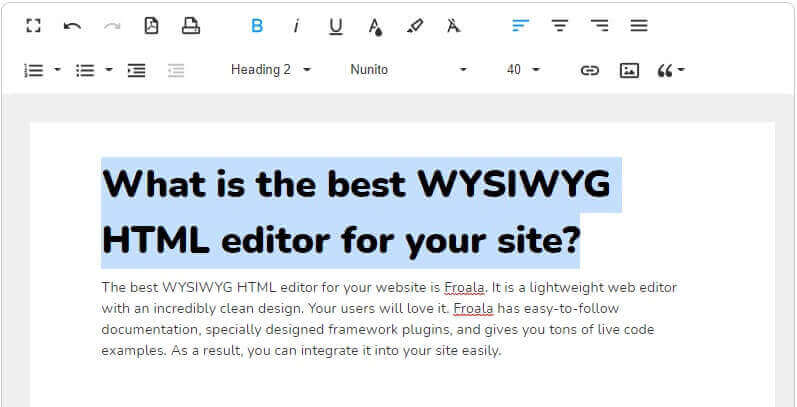
Froala is a user-friendly and rich text editor that is appealing and easy to integrate with any project instead of developers' preferred technology stack and coding knowledge. It supports more than 15 native integrations and over 35 plugins, including Reactjs, Vue Js, WordPress, CraftCMS, and Angular. It is an open-source WYSIWYG HTML editor that can swiftly integrate with CMS like WordPress.
On top of that, it is used in more than 100 counties and supports multiple languages, including East Asia. Also, this editor is compatible with various browsers, including Safari and Edge, which makes it accessible for users regardless of the preferred platform.
4. Adobe Dreamweaver CC
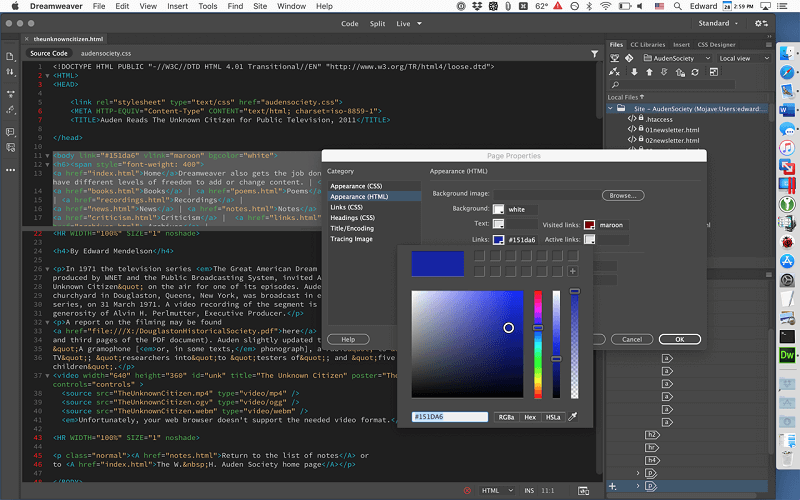
Adobe Dreamweaver CC is the best WYSIWYG HTML editor that has the potential to manage development in CSS, XHTML, JSP, PHP, XML, and JavaScript. Moreover, it has a fluid fris structure with a preview window for various screens. This capability helps developers in resolving different screen compatibility difficulties. It is one of the top WYSIWYG HTML editors.
With in-built themes, structure, and an intuitive interface, Dreamweaver makes website structure relatively simple. It seems challenging for beginners to learn the curve, so it is suitable for experienced designers. However, there are Adobe tutorials that may help beginners to get started.
5. Editor.js
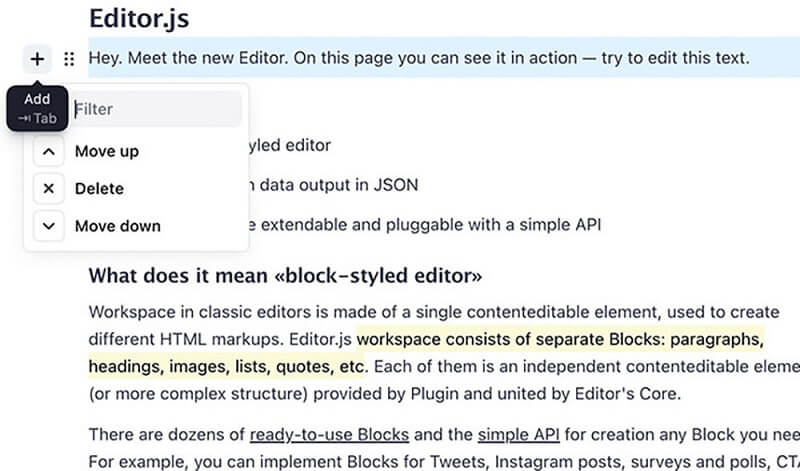
Editor.js is a free HTML editor wysiwyg tool that allows you to make changes in content blocks that you can move around and reorganize. When you tap on a block, the choices available for that block will be shown. Similarly, formatting and inline style choices are displayed when you click on text content. All thanks to Application Programming Interface, EditorJs is expandable and pluggable. It offers clean data in JSON format. It means you can do more with the information.
For instance, you may produce an audio version for screen readers and allow using HTML for web clients. You can consider it the best wysiwyg html editor.
6. Trix
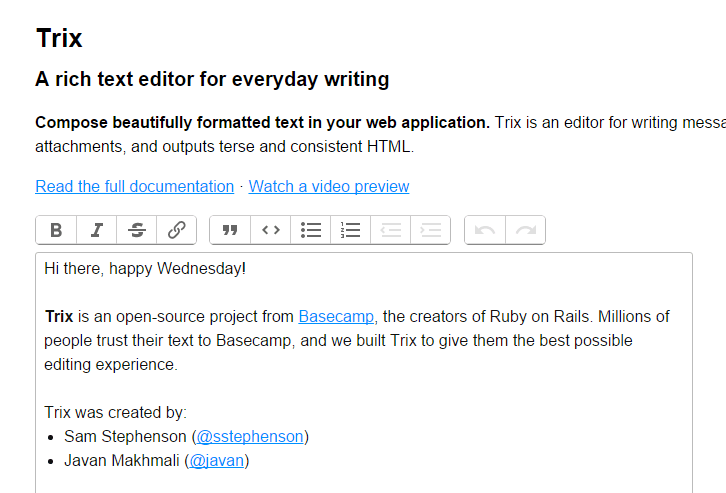
Trix is a lightweight, flexible, open-source wysiwyg HTML editor tool easily integrated into web applications. It is built using HTML, CSS, and JavaScript based on the contenteditable of web stands features that allow users to edit the content of HTML elements directly from the browser. A few of the leading features of Trix are rich text formatting, including bold, Italic, and strikethrough text, and offers its support for block quotes and links.
7. Bubble
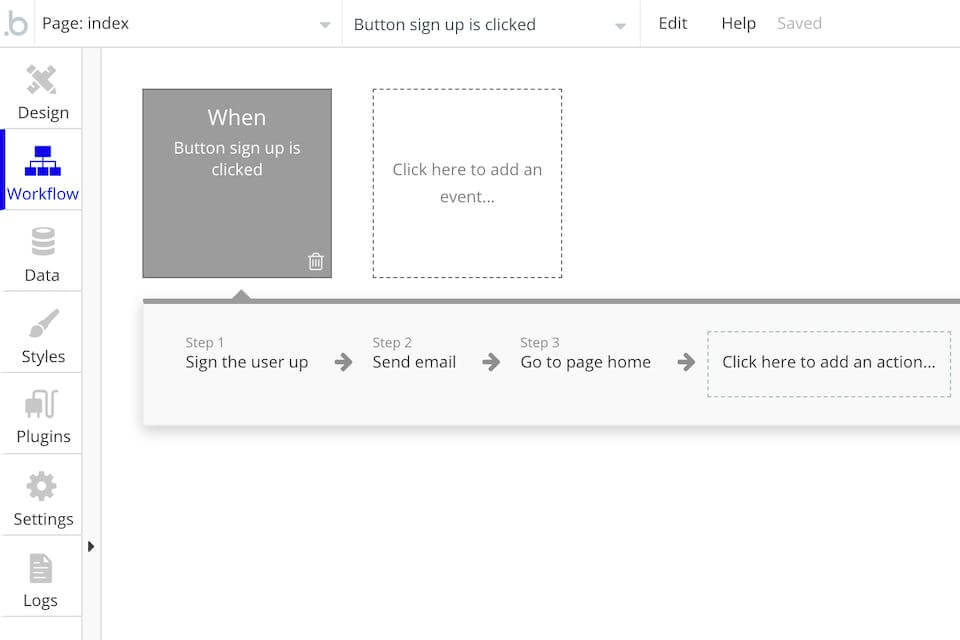
The bubbleis the best WYSIWYG HTML editor platform for building and launching fully - functional online applications. Its clear point-and-click editor allows the creation and customization of online apps and processes, whether simple prototypes, challenging SaaS solutions, or large markets.
This tool has a user-friendly interface that enables the creation and modification of apps to be quick and smooth. Due to this, it proves beneficial to people who need technological expertise. Also, it requires adding logical workflow programs to define what happens when the user navigates the application and taps on specific areas. It swiftly interacts with any service that has REST API. Numerous connectors like Facebook, Google, SQL, Google Analytics, and many more exist.
8. Quill
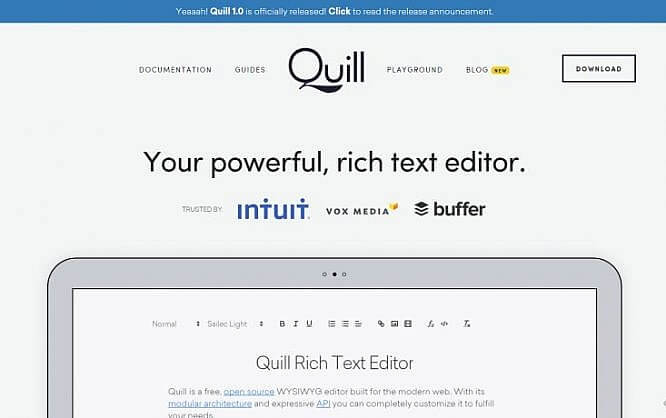
It is an open-source WYSIWYG HTML editor created with extensions and customization. Thanks to its modular structure and expressive API, you can quickly initiate with Quill. It gives you the accessibility to customize the modules or add your extensions to its rich text editor as required. The tool will offer two themes for changing the editor's look that you can easily customize with plugins or by overriding rules in its CSS stylesheet.
Moreover, it supports any custom content and structure so that you can add embedded slide decks, 3D models, interactive checks, and many more. Due to its support of more rich and interactive content, it is unable for small projects and large Fortune 500 companies.
9. Visual Studio Code
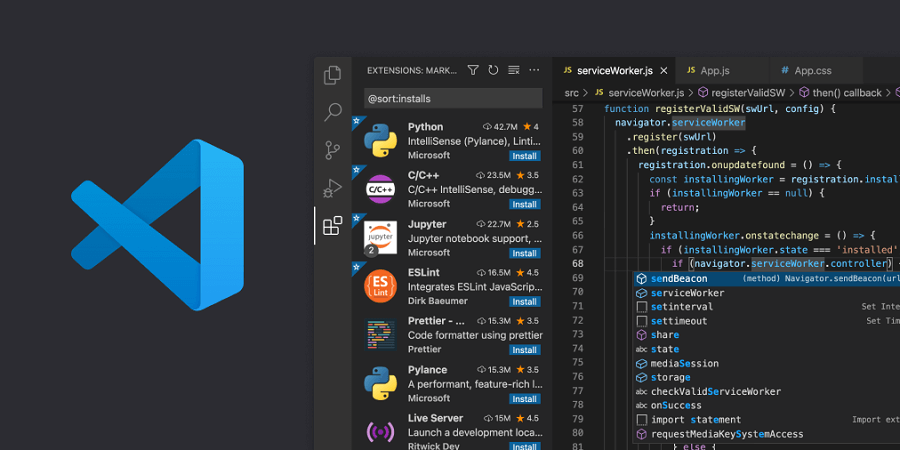
It is a free and cross-platform HTML editor which provides fantastic features. The editor is entirely customizable and gives the power to change its structure, color, scheme, and font style. However, its intelligent completion elements take function definition, variable type, and imported modules to edit. Even you can debug the code directly via the editor with the help of an interactive console, breakpoints, and call stacks.
Besides HTML, Visual Studio code enables you to code in other languages like Python, PHP, C#, JavaScript, and many more.
10. ContnetTools
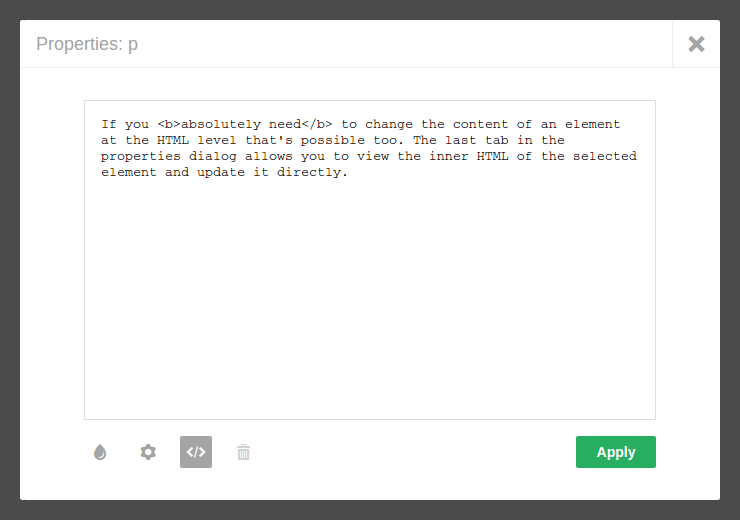
Contnettools is the best WYSIWYG HTML editor that allows you to add any HTML page by following the steps. In addition, you can see a pencil icon on the HTML page. When you click the toolbox, then the inspector bar shows. Using these two features, you can edit, resize or drag and drop text images, tables, videos, and content within a page.
Even you can use the ContentTools editor out of the box. Also, it is easy to personalize, but it only allows specific areas of the page and specifies which CSS styles the users can apply to elements.
Conclusion
Developers widely use the WYSIWYG HTML editor as it allows them to build websites without any technical and coding knowledge. Over the years, various visual HTML editors have gotten different levels of success in the industry, and few of them have won the hearts of developers. A WYSIWYG editor will enable you to see and anticipate the project outcome you are working on. However, the best WYSIWYG HTML editor should be lightweight, offers personalization options, and be easy to load.
At last, the right WYSIWYG editor for your project depends on your needs and requirements. Thus, evaluating each editor and selecting which will completely fulfill your needs is recommended.
Also Read: Dedicated Development Team: Know How to Hire an Experienced Technology Partner?
Leave a Comment