
Web development IDE has changed the way developers build websites and applications. IDE stands for the Integrated development environment, and it replaced the fundamental tools like software testing and writing. IDE helps the developers to implement their thoughts and see the website working live. Its essential feature includes code, editing, testing, and debugging. The advanced IDE for web development also offers various features like automation, visualization, and customization.
If the IDE does not exist, the developer must spend extra time and effort searching for the tools. But after the IDE launch, it helps the developers in many ways. If you still need assistance to speed up the development, you can ask for help from an Atlanta web developer that will take your skills to the next level.
Besides this, we have researched and mentioned top-notch IDEs for web development. You can go through the list and select the best IDE based on your business needs, a step often recommended by an experienced web application development company to ensure efficient development and long-term scalability.
What is Web Development IDE?
Web development IDE is a robust tool that brings various features like autocomplete, debugger, grammar checking, offering a recommendation, and also evaluating live web pages within IDR for better comparison. It helps the programmers code and debugs the website.
It helps in managing a large codebase and achieving quick deployment. Also, it supports various programming languages, frameworks, web applications, and CMS.
List of IDE for Web Development
To find the best IDE for web development, one has to know its features and importance. So, let’s consider the top 15 IDE for Web development.
1. Atom
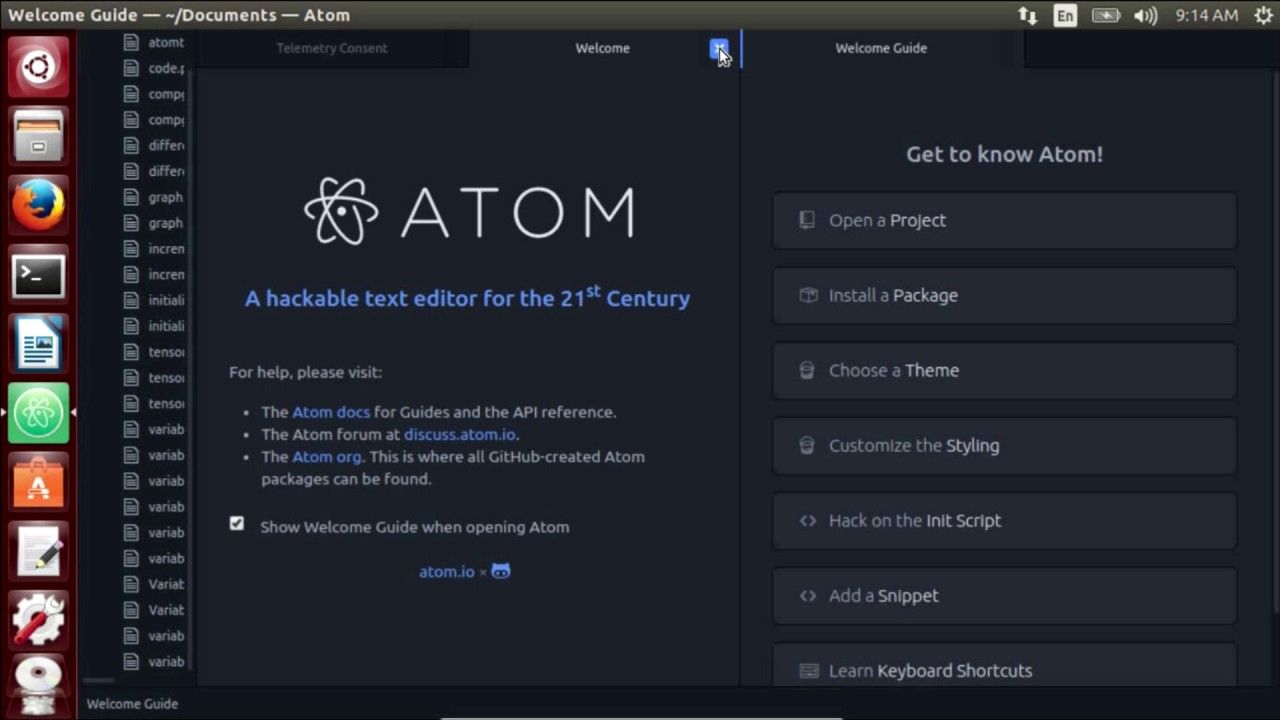
GitHub creates atoms, and it is one of the excellent IDE for JavaScript programming. It is a free, open-source desktop and web program created using web technologies. It supports different operating systems like Mac, Linux, and Windows. The built-in package manager also enables you to add extra tools, functionality, and themes.
It is based on the electron (a framework enabling cross-platform desktop apps using Node.js). It is entirely customizable in HTML, CSS, and JavaScript and supports C, java, Python, HTML, and C++.
Features
-
Customizable as per the need
-
Package manner
-
Easily browse, and open files and projects in one window
-
Divide the interface into multiple panes to check the code and correct it.
2. Visual Studio
Microsoft develops it, and it is the popular IDE for web development. It will use AI to complete the lines of codes. Moreover, it is suitable for developing small-scale websites for large applications. This IDE is fast; plan, build and ship software across different platforms.
The developer can work live with the editing or debugging team. It enables you to create a perfect development environment. It supports multiple languages like C++, Unity, Python, and many more.
Features
-
Helps in building, managing, securing, and sharing software components.
-
Enhance code quality and catch the issues quickly.
-
Automate and simply Azure deployment
-
Offer a version control system with private repositories.
3. PyCharm
Previously, it only supported Python, but now it supports various other programming languages. This cross-platform IDE for web development provides code analysis, a graphical debugger, and an integrated unit tester to reduce the hassles of web developers. It is commercial software and has a community edition with a limited set of features.
However, its intelligent features will automatically complete the code and minimize errors. You can also integrate it with Git and Mercurial, another huge benefit of it. Additionally, it comes with an integrated Python debugger and unit testing line-by-line code coverage.
Features
-
Supports Google app engine
-
Customizable interface with VIM emulation
-
Smart python editor
-
Scientific tools
4. Sublime Text
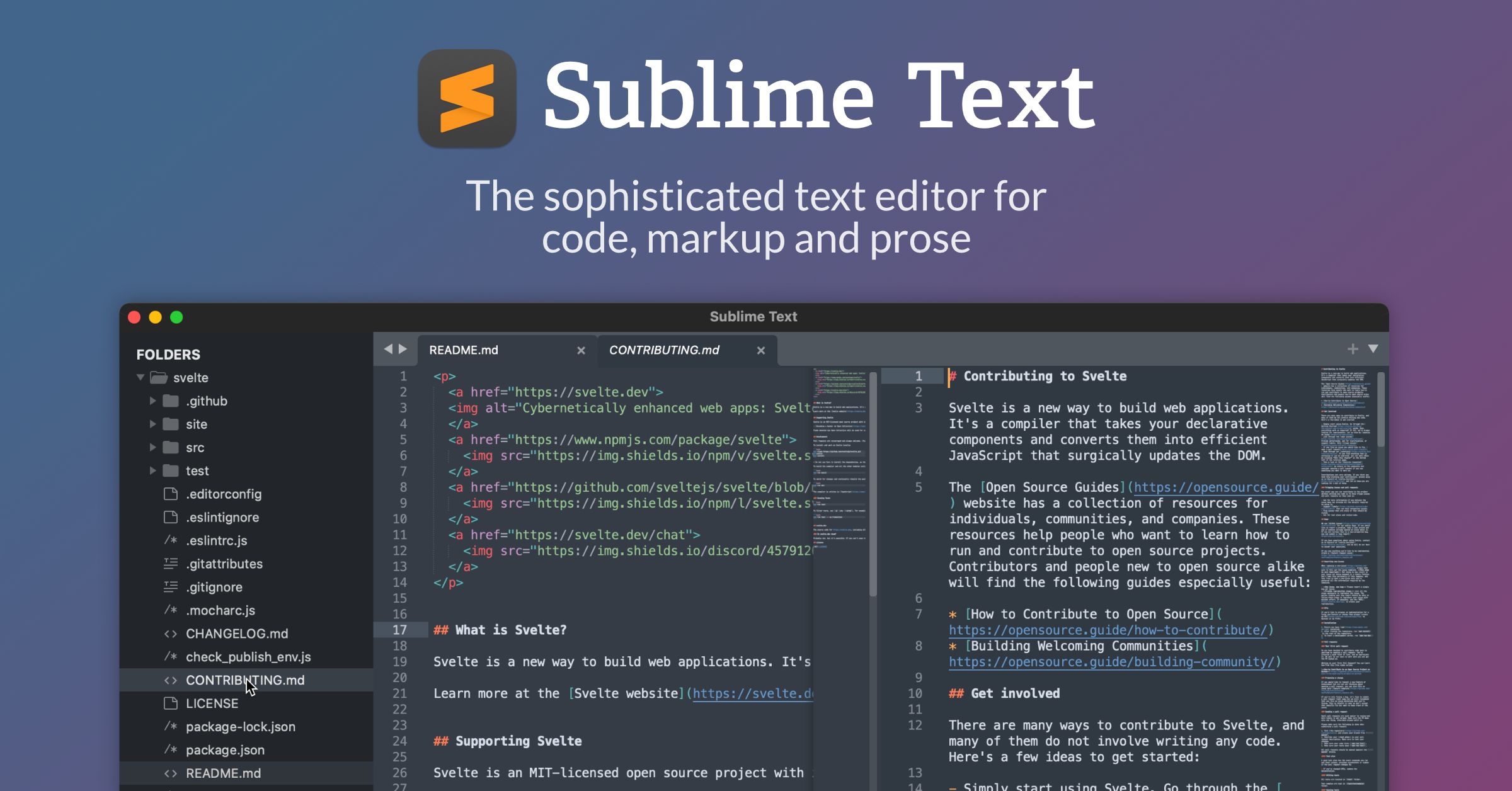
It is a free and flexible IDE that supports Windows, Mac, and Linux. It supports programming languages like HTML, C, Python, CSS, and JavaScript. This IDE for web development is quite fast, integrates various tools, and supports all the programming languages.
However, it provides excellent plugin support to enhance the editor's performance. It all happened due to its powerful API and plugin support. In Sublime text, three customizations are available for creating a complete web development environment.
Features
-
Command palette
-
It can be tweaked to enhance productivity
-
Split Editing
-
Enhanced pane management
5. IntelliJ Idea
It is one of the free and best IDE for web development, and it is also known as Javacentric IDE. This IDE is specially created to enhance the productivity of the developers. Its intelligent coding assistance and ergonomic design will make the development process easy and fun.
It supports various programming languages like HTML, CSS, JavaScript, and many more and maintains different program versions. The web dev IDE has many in-built tools and massive community support.
Features
-
Compatible with multiple frameworks
-
Productivity boosters automate various boring and repetitive tasks.
-
In-built static code analyzes
-
Extensive database editor and UML designer
6. Eclipse
It is one of the popular Java integrated development environments (IDE). Initially, it is developed as a java environment, but now it supports other languages, including C++, Python, and PHP. Eclipse offers debugging tools, a plugin development toolkit, and Git/CVS support.
It has a solid supporting community, and today this IDE has various extensions, which makes it highly customizable and easy to use. This tool highlight the syntax you have written and enables you to debug the program.
Features
-
Code recommendation
-
Apache Maven integration
-
Releng
-
Gradle support
7. Netbeans
Netbeans is one o the best open-source IDE for web development. It is appropriate for developing web, mobile, and desktop applications. It is supported by a large community of developers worldwide. However, it is accessible in 28 languages. So, even the non - English speakers can use it. It supports various programming languages like JavaScript, HTML 5, CSS, Java, and many more. If you are starting a new project or working on an existing one, its drag-and-drop interface makes it easy for you to work.
This IDE supports operating systems like Windows, Linux, and Solaris. It enables you to create bug-free websites by highlighting the code syntactically and semantically. It supports various languages like PHP, HTML 5, CSS, Java, JavaScript, and many more.
Features
-
Modifiable workspace
-
Source code highlighting
-
Line indentation
-
Code refactoring
8. Aptana Studio 3
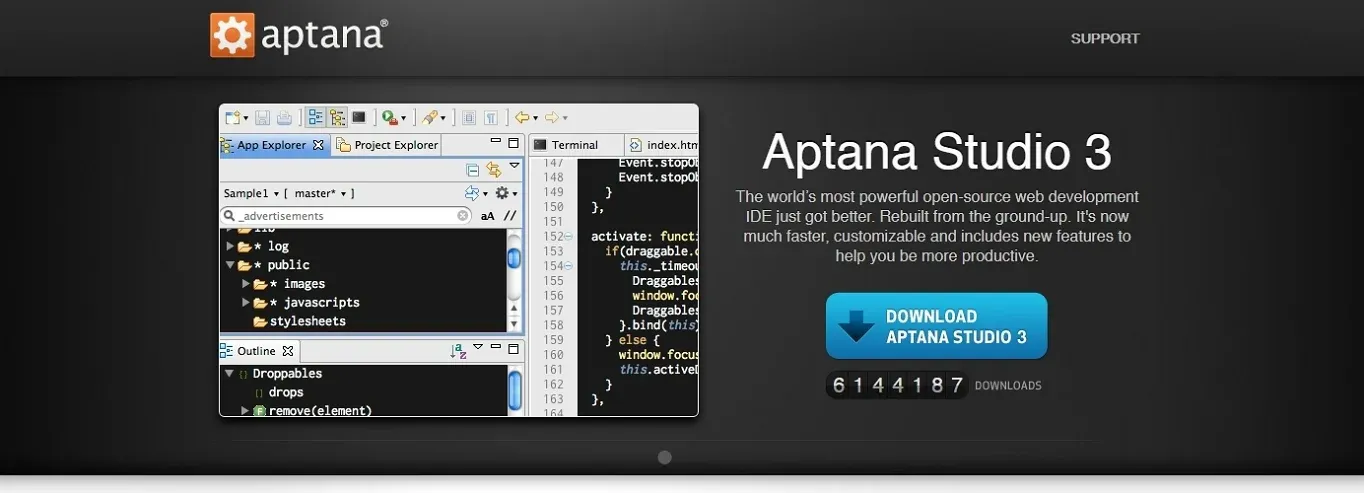 Aptana Studio is an open-source integrated development environment for building and testing entire web applications using a single domain. However, Aptana Studio 3 is built based on Aptana Studio 2 for editing, previewing, and debugging HTML, JavaScript, and CSS websites with PHP and Ruby on Rails web development.
Based on Eclipse, it supports all the latest browser technology specs like CSS3, Rails, Ruby, PHP, Python, JavaScript, and HTML5. It is available as a standalone on Windows, Mac OS X, and Linux.
Features
-
Auto indentation and code formatting
-
Syntax coloring according to picked themes
-
The in-built terminal lets you quickly access a command line terminal to execute operating system commands and language utilities.
-
Syntax error automation.
9. Brackets
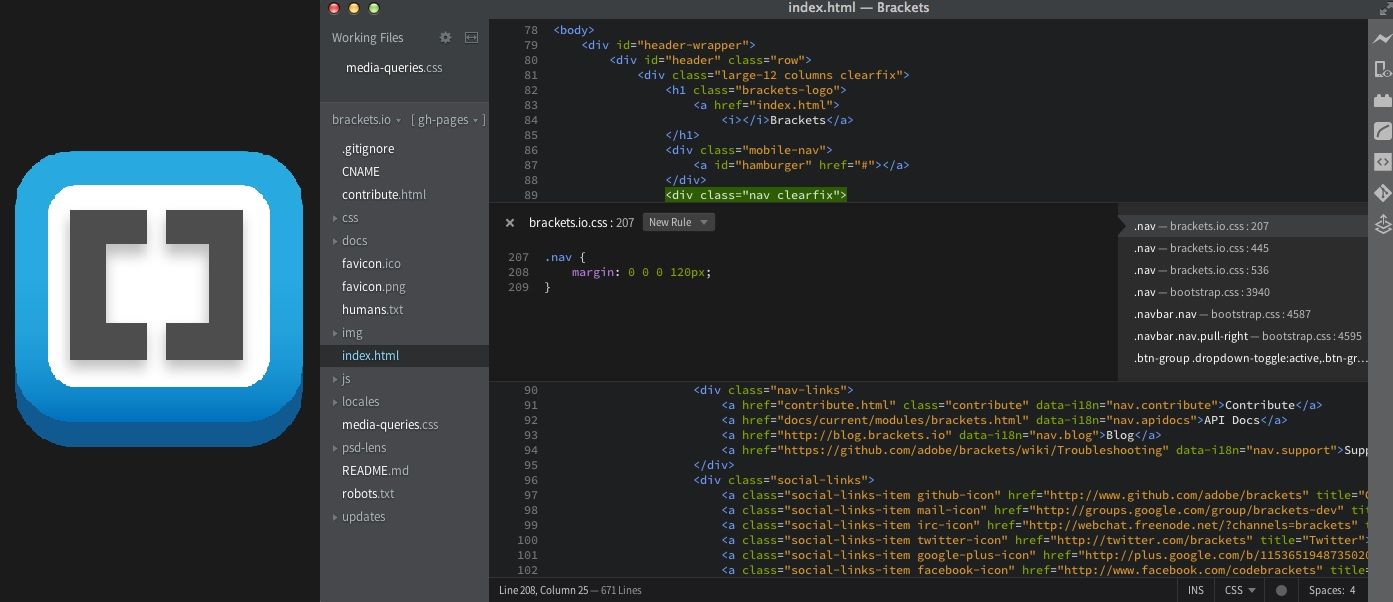
It is developed by Adobe Systems, one of the top IDE for a web development environment. It provides developers with visual tools like an inline editor and live preview, enabling them to perform the task more effectively. Moreover, the editor tool provides an appealing user - interface and simple navigation.
Besides this, with its real-time connection with the browser, the developers can see all the code changes on screen. Thus, if you are working with preprocessors, you like to work with brackets, which will simplify editing your LESS and SCSS files.
Features
-
It comes with an in-built JavaScript debugger
-
Enables multiple developers to work on code.
-
Live preview
-
Quick and automated code completion element
10. AWS Cloud9
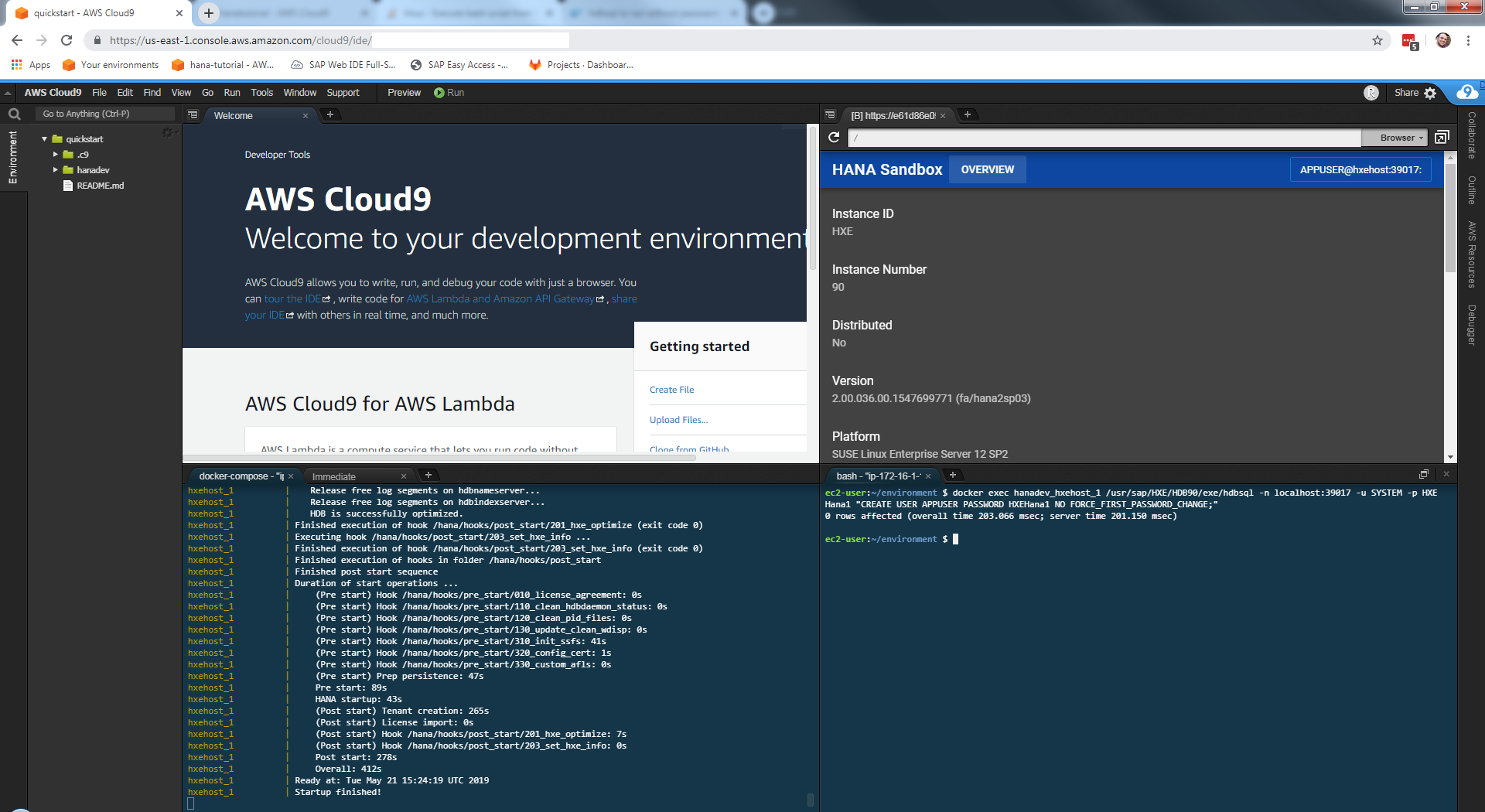
It is an integrated development environment for the cloud called AWS Cloud 9 that allows you to write, run and debug the code using a web browser. It has a terminal debugger and code editor. The developer doesn’t require to install files or set up a development workstation to start a new project. It is because AWS cloud 9 comes preconfigured with essential tools for programming languages like Python, PHP, JavaScript, and many more.
Cloud 9 is cloud-based software, so the developer can use any internet-connected device to work on projects from anywhere. Also, cloud 9 offers a fluid development atmosphere for a serverless app that allows you to change between local and remote execution, debug serverless applications, and many more. With Cloud 9, you can pair programs and track inputs in real time while sharing with the working environment.
Features
-
Collaborative editing and chat
-
Wide range to run configurations
-
In-built terminal
-
Connectivity with any Linux server platform
11. WebStorm
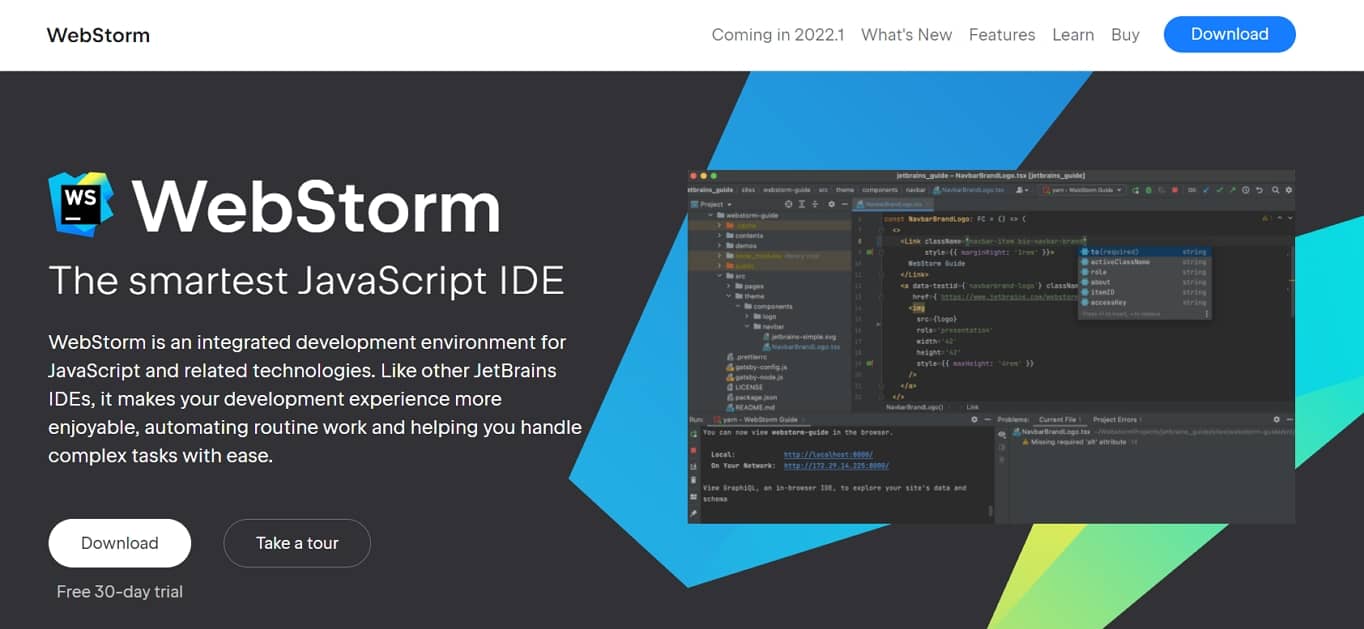
It is an intelligent JavaScript IDE available in the industry. Also, it is one of the top IDE for web development for creating high-end web applications. Similar to JetBrains IDE, it ensures provides a great development experience. It will automate the routine and manage all the complex tasks effectively.
Web Storm will be the go-to - of developers worldwide due to its language support, in-built features, and usability. It supports various front-end and back-end languages. It supports operating systems like Linux, mac, and Windows.
Features
-
Integration with VCS
-
Smooth tool integration
-
Automatic refactoring
-
Git Integration
12. Notepad++
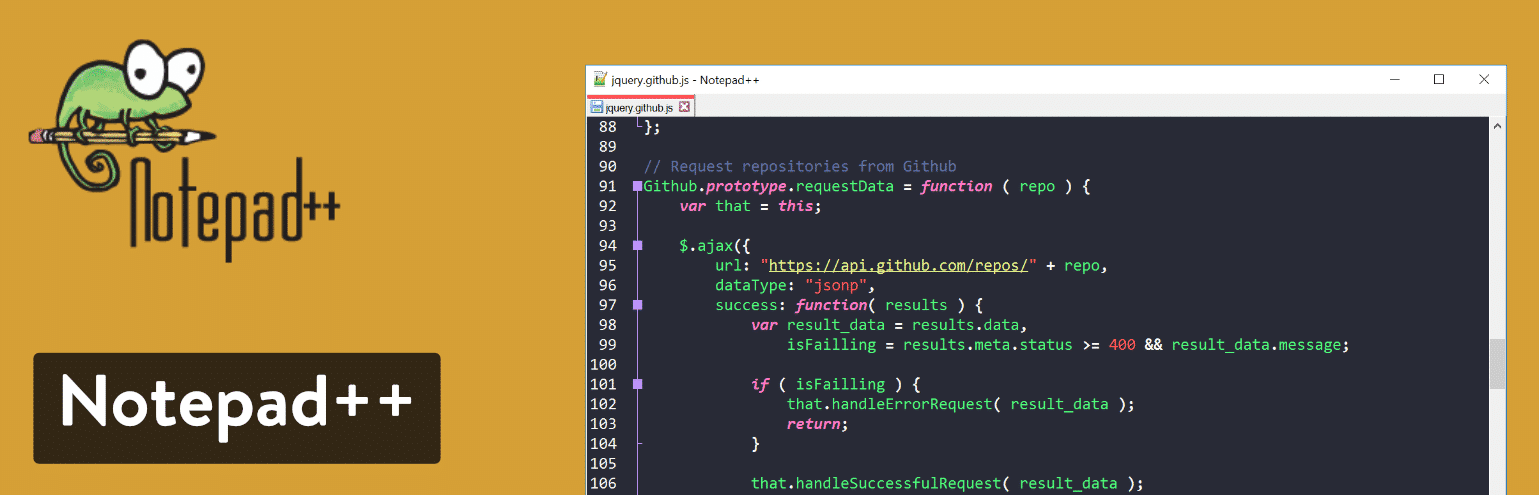
Notepad++ is quite a popular IDE used in web development for years. It is widely used with its enhanced functionalities, open - and free. But this IDE is only compatible with Windows. The best part of using Notepad++ is that it results in a greener environment, which means it uses less CPU power, and the desktop can throttle down, reducing power consumption.
In Notepad++, There are 140 plugins, out of which ten are by default, and elements of 78 syntaxes can be highlighted.
Features
-
A variety of plugins are available
-
Free and open-source
-
Easy coding in different languages
-
Customizable GUI
13. Light Table
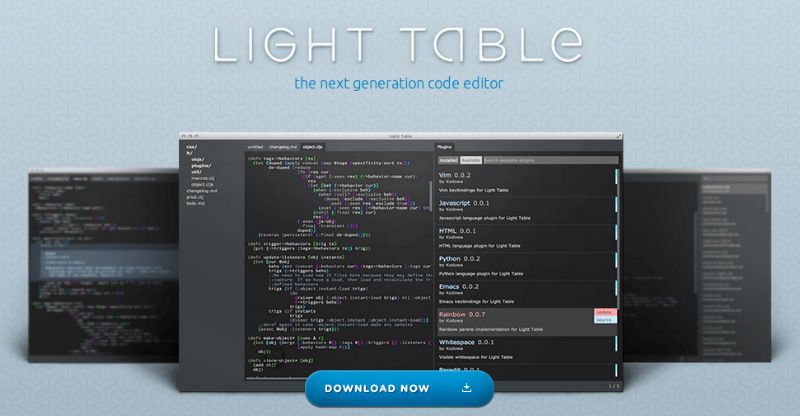
The light table is a recent IDE for Web development compared to others on the list. The light table is famous for its clutter-free code management that enables you to move code around without causing it to malfunction. It meets all the currency codes standards, and it is a fantastic piece of work.
It is available for Linux, Windows, and Macintosh operating systems. Light tables offer numerous features like real-time feedback that allows more efficient execution, elimination of mistakes, and access to documentation.
Features
-
Autocomplete is a clever function
-
In-built debugger
-
Embedding Anything
-
Inline Evaluation
14. Komodo Edit
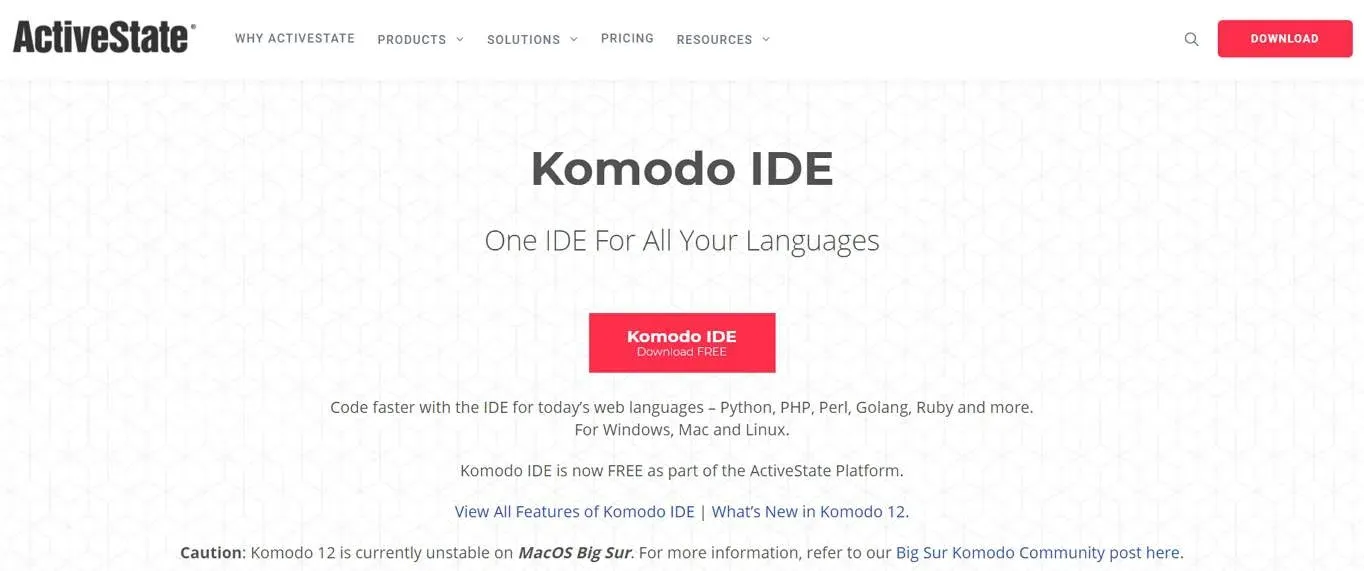
Komodo Edit is the best open-source text editor for dynamic programming languages. It was developed by ActiveState and first introduced in November 2007. Komodo is primarily used for JavaScript projects, and it supports the majority of languages.
It offers numerous features like a visual debugger, unit testing, add - ons, team collaboration, and many more. Moreover, it supports Git, CVS, Perforce, Bazaar, and all other programming languages.
Features
-
Enables you to track changes
-
Muli - language editor
-
Provides many themes and icon sets
-
Many contemporary color schemes
Conclusion
There is numerous popular IDE for web development available. However, all the great IDEs mentioned above are appropriate solutions for developing any software and application. All these IDEs offer various features and specifications set for web development.
If you want to build a robust and reliable application, hire an Website development company to transform your idea into reality.
Also Read: AppZoro Technologies Recognized as a Premier Atlanta Software Development Company by UpCity!
Leave a Comment